User Settings
Manage your personal account from the User Settings modal. These settings apply to your account across all workspaces. The modal has four tabs: Profile, Password, Two-Factor, and API Tokens.
Profile
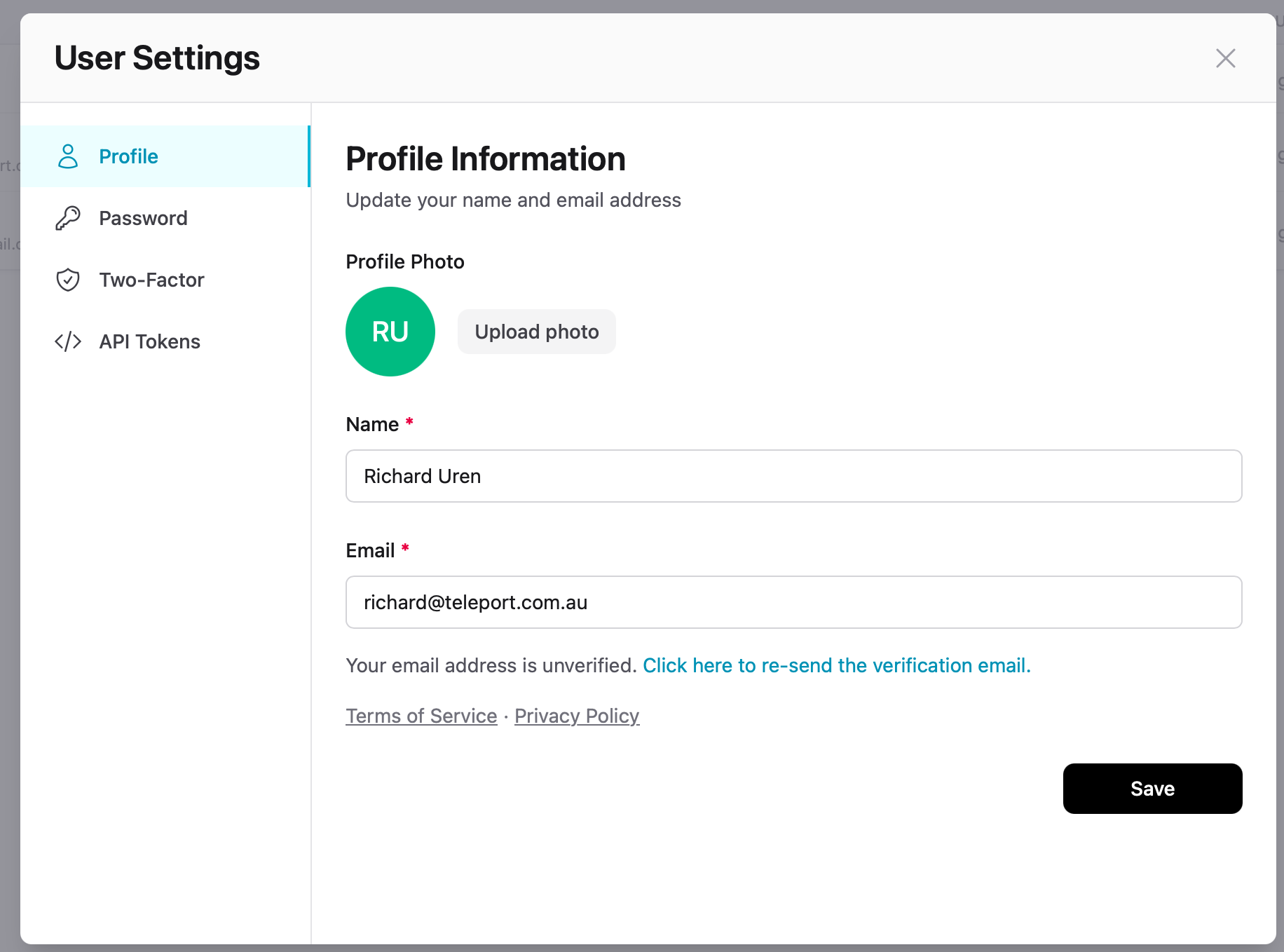
| Setting | Description |
|---|---|
| Profile Photo | Upload a profile picture, or use the auto-generated initials avatar |
| Name | Your display name shown to team members |
| Your login email address. Changing it requires re-verification. |
Password
Change your password from the Password tab. Enter your current password followed by a new one.
Two-Factor Authentication
Add an extra layer of security to your account from the Two-Factor tab. Once enabled, you'll need your authenticator app to sign in.
- Click Enable 2FA
- Scan the QR code with your authenticator app
- Enter the verification code to confirm
- Save your backup codes in a secure location
Warning
Store your backup codes somewhere safe. You'll need them if you lose access to your authenticator app.