Team Management
Invite team members to collaborate on agents within your workspace. Team size limits depend on your plan.
Team Members
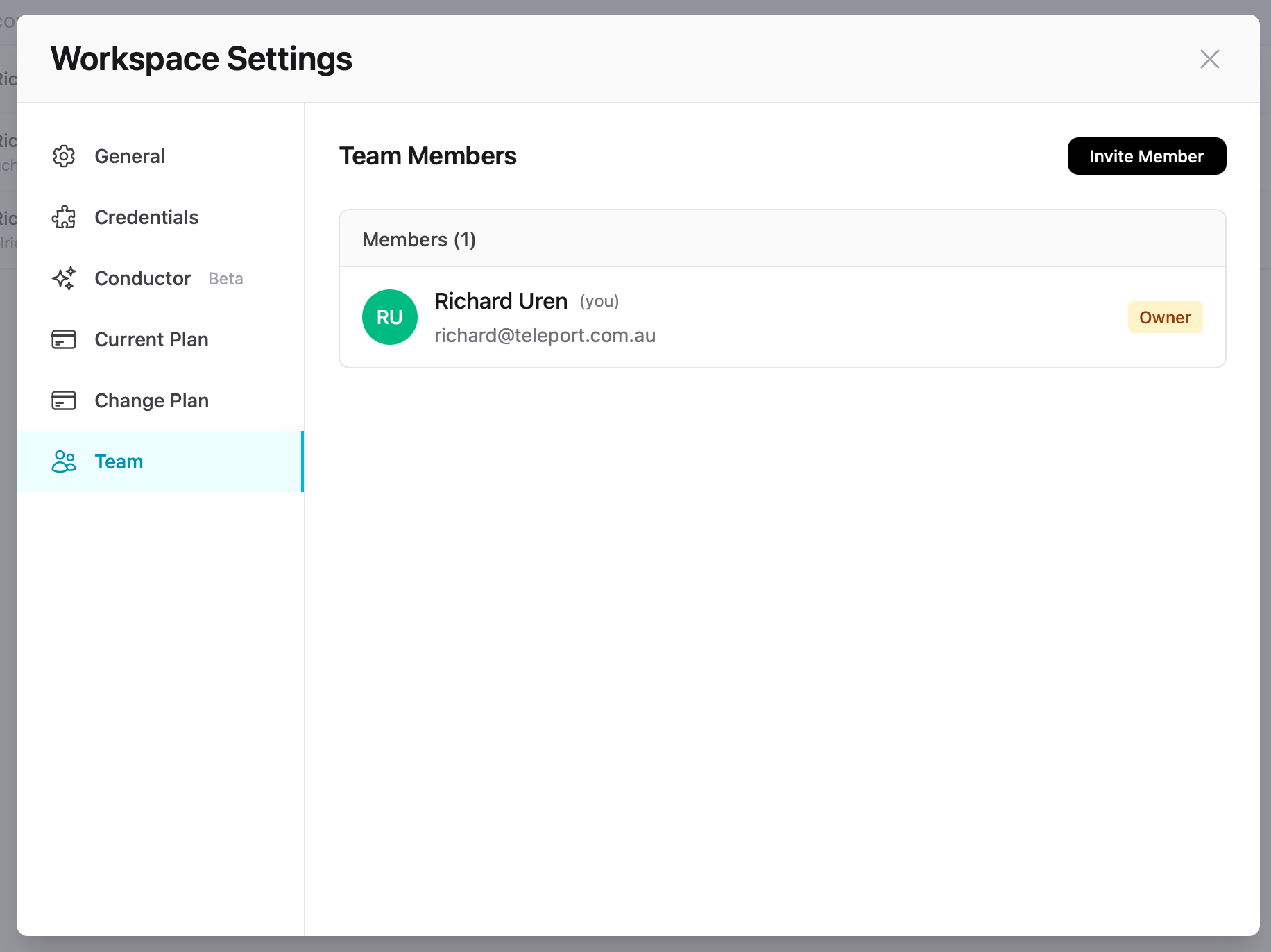
The Team tab shows all current members with their name, email, and role. The workspace creator is automatically assigned the Owner role.
Inviting Members
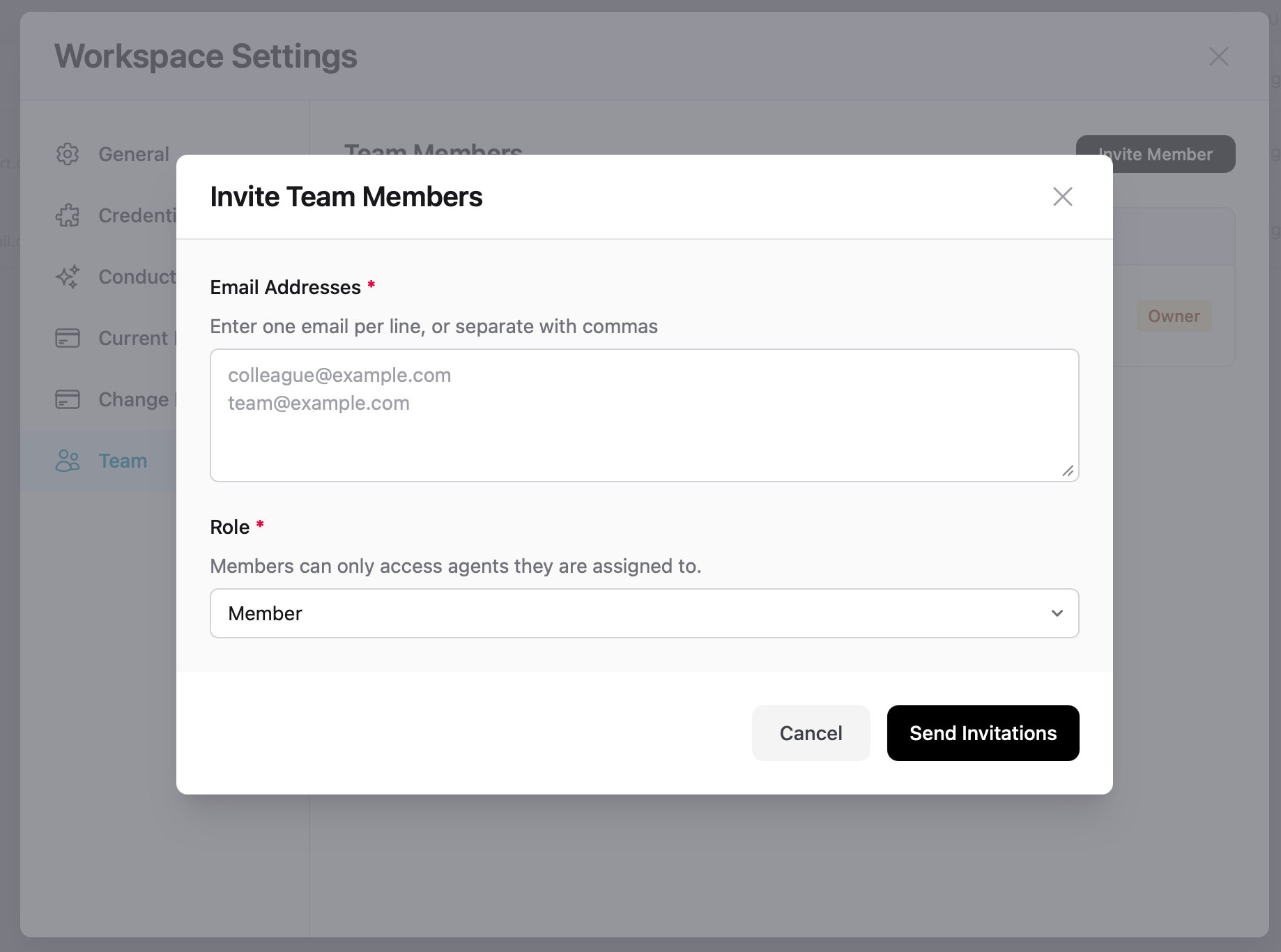
- Go to Workspace Settings → Team
- Click Invite Member
- Enter one or more email addresses (one per line, or separated by commas)
- Select a role
- Click Send Invitations
Invitees receive an email with a link to join. If they don't have an 88Agents account, they'll be prompted to create one.
Roles
| Role | Permissions |
|---|---|
| Owner | Full access including billing, workspace deletion, and ownership transfer. One per workspace. |
| Member | Can access agents they are assigned to. Cannot manage workspace settings or team members. |